
Laser Cut Box Generator
Design boxes with finger joints (box joints) for your laser cutter and export the cut file as SVG, DXF or PDF. Every FingerJointBox designer calculates the joint layout from your material thickness and laser kerf, so the parts fit straight off the laser bed. Free to use in the browser, nothing to install, works with CO2 and diode lasers alike.
Start with the Box Designer or pick a box with a lid, dividers or hinges below.
How it works for laser cutting
- 1 · Choose a box
Open box, hinged lid, sliding lid, flaps, stackable or round: each designer is a page on this site.
- 2 · Enter material and kerf
Measure your sheet, enter the thickness and your laser kerf, set the box size and finger width. The 2D and 3D preview update as you type.
- 3 · Export and cut
Download the SVG, import it into LightBurn, xTool Creative Space or Glowforge, cut the inner contours first, then the outlines.
Laser settings that matter
Kerf. The laser removes a thin strip of material, typically 0.08 to 0.15 mm on a diode laser and 0.15 to 0.25 mm on a CO2 laser. Enter the full kerf width in the designer and the fingers are widened by that amount so the joint closes tight. To measure your kerf, cut a 20 mm square and measure it: the difference to 20 mm is your kerf.
Material thickness. Finger joints only fit if the entered thickness matches the sheet. Nominal 3 mm plywood is often 2.7 to 3.2 mm, so measure with calipers and enter the real value. Thickness and kerf together decide the fit, finger width decides the look: two to three times the material thickness is a good rule.
Test corner first. Before cutting a whole box, cut two small panels and check the joint. Too tight: raise the kerf by 0.05 mm. Loose: lower it. A joint that needs a light tap with a mallet is right for a glued box; the enclosed build on several designers is meant to hold without glue.
Cut order. The export places all panels in a flat layout with inner cutouts, slots and handle holes as separate contours. Let your laser software cut inner contours before the outlines so parts do not shift while they are still attached to the sheet.
Materials for laser cut boxes
- Plywood, 3 to 6 mm. Poplar and birch plywood are the standard for laser cut boxes: light, strong, clean edges. The 3 mm sheets suit small boxes, 4 to 6 mm toolboxes and stackable sets.
- MDF, 3 mm. Cheap and very even in thickness, so joints fit reliably. Edges come out dark and the material likes a coat of paint.
- Acrylic, 3 mm. Finger joints in acrylic look great with a polished edge. Glue with acrylic cement, or use the enclosed build for a friction fit.
- Cardboard for prototypes. Cut the box in 3 mm corrugated board first to check size and proportions before using the good sheet.
Which box designer for your laser project
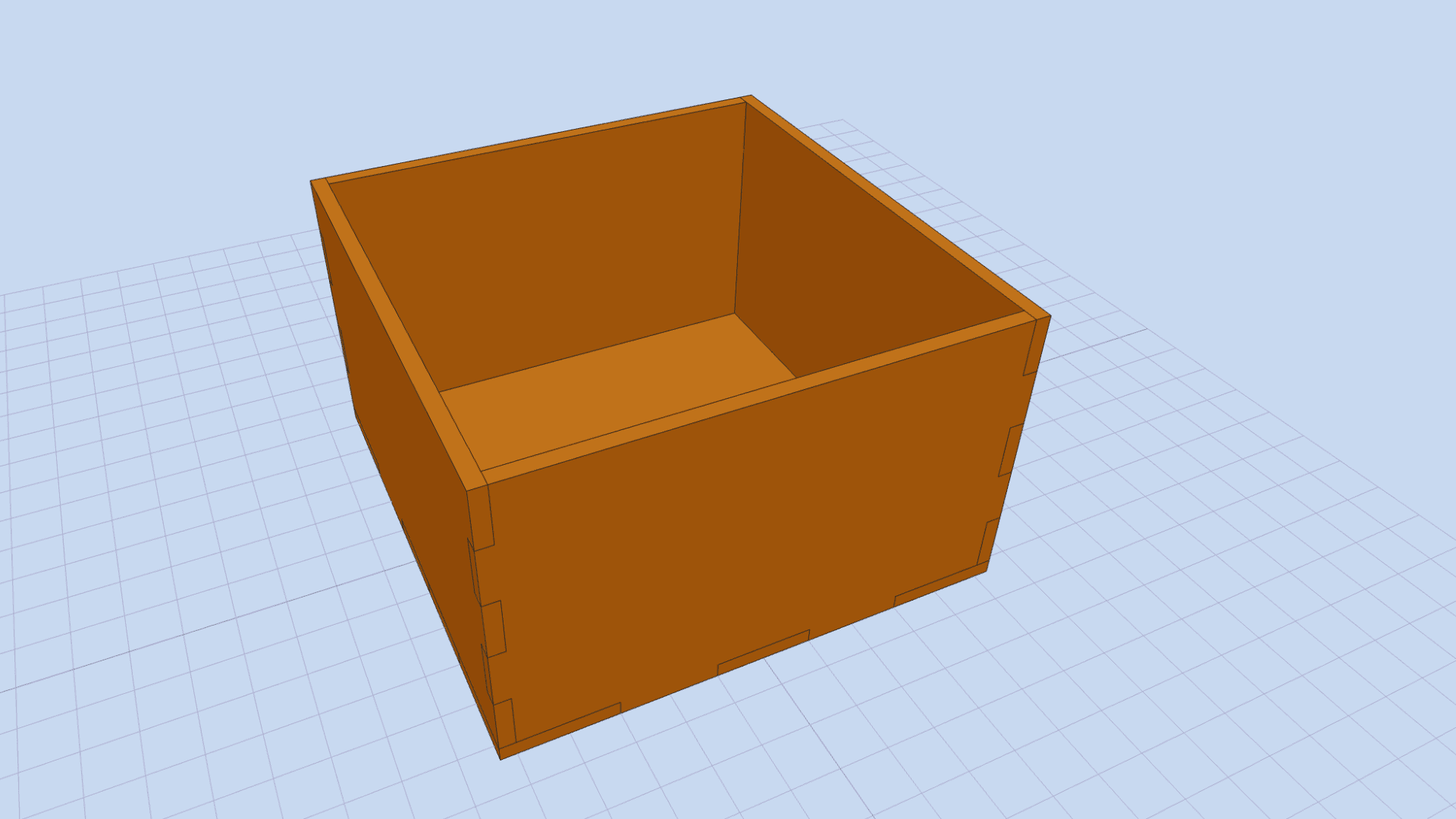 Laser cut box with finger joints
The classic: open box with optional dividers, kerf compensation, enclosed build with a smooth outer edge. 3 mm plywood or MDF, done in minutes.
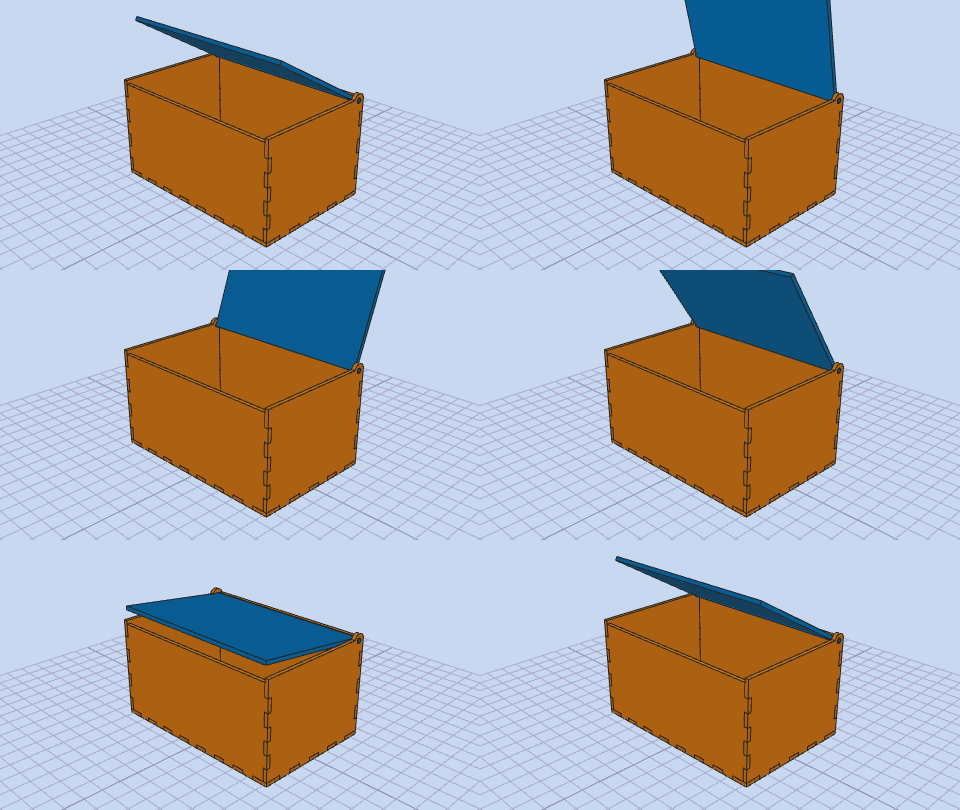 Laser cut box with hinged lid
Pin hinge cut from the same sheet: lid tabs turn in rounded cutouts, no metal hinge needed. Works well in 3–4 mm plywood.
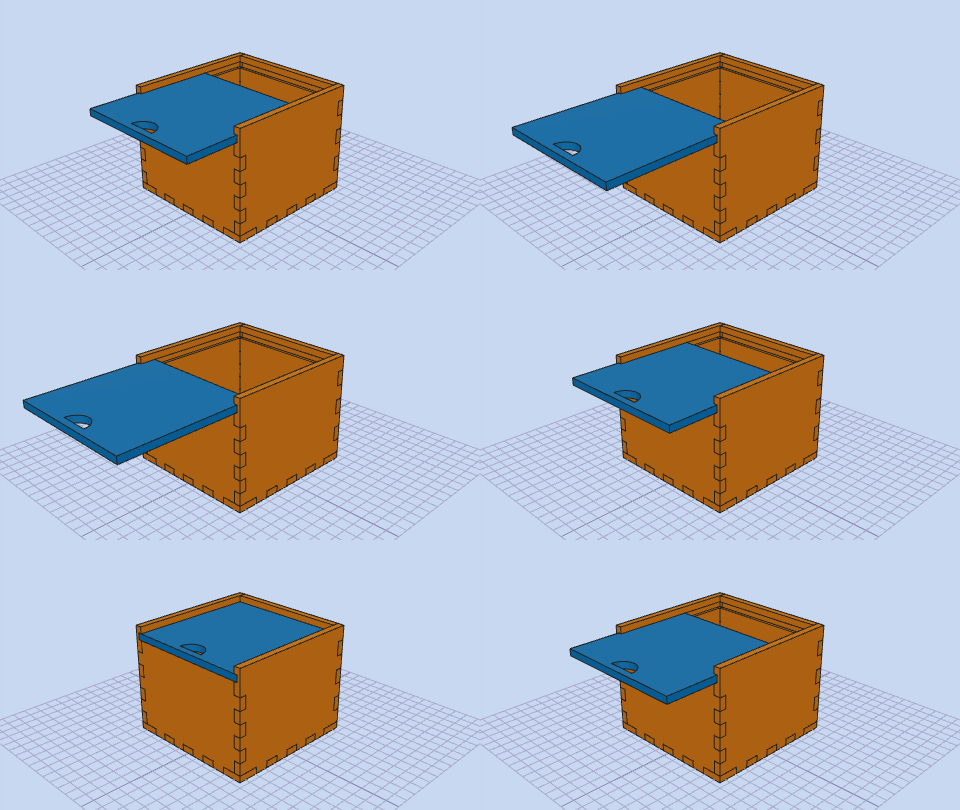 Laser cut box with sliding lid
Lid slides in grooves cut into the walls, half-moon grip included. The enclosed build holds without glue.
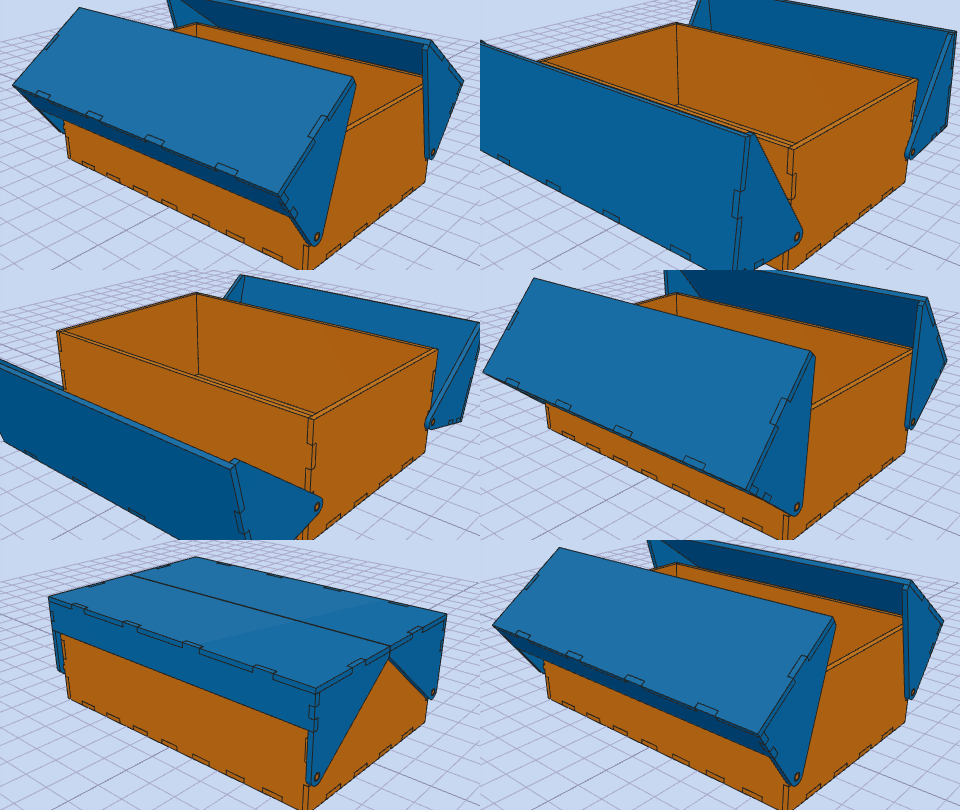 Laser cut box with flap lids
One or two flaps that swing on an extended wall tab. Nice for sewing boxes and desk organisers.
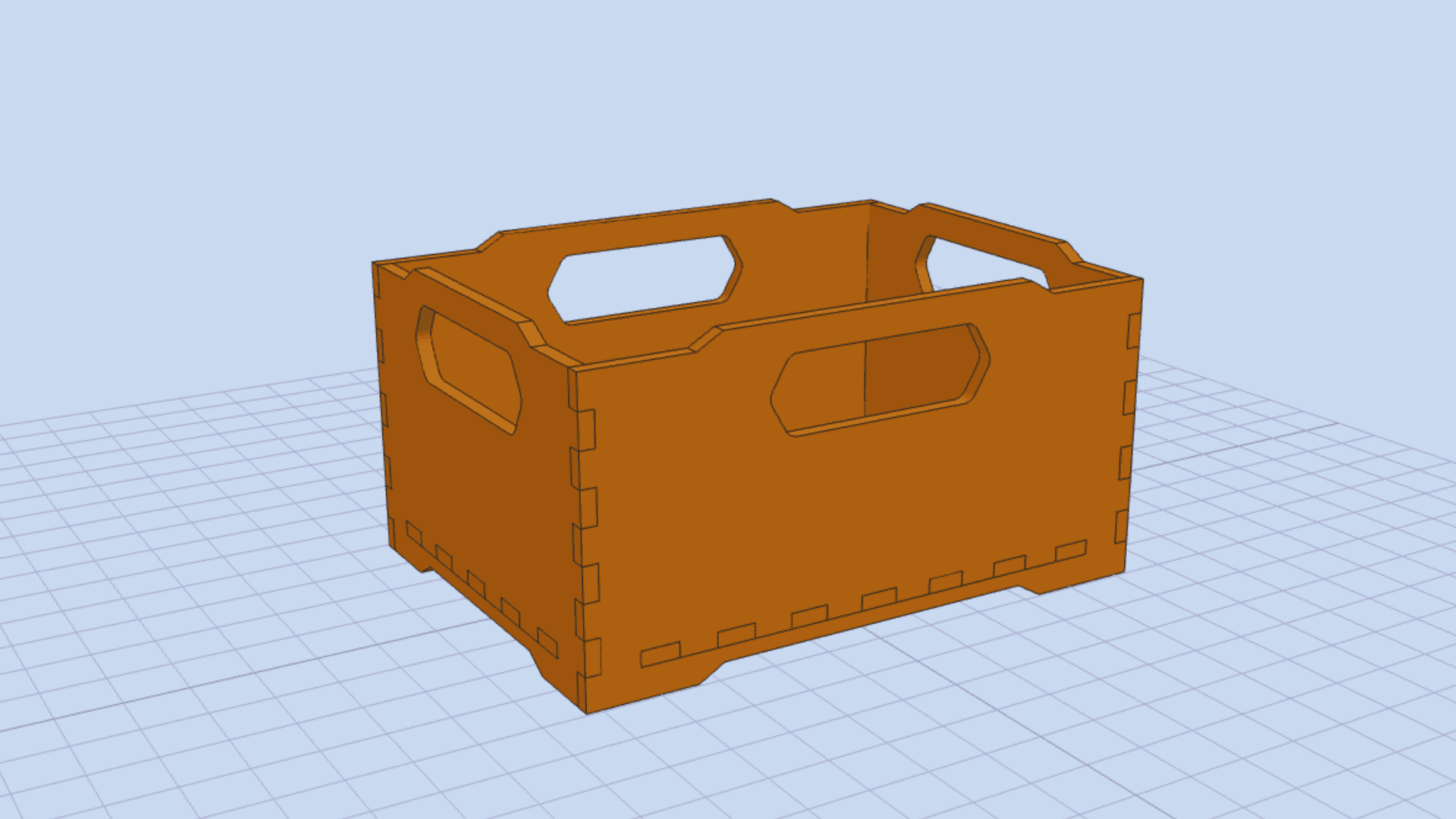 Stackable laser cut boxes
Tabs and recesses lock stacked boxes in place. Cut a whole set of storage boxes from one sheet.
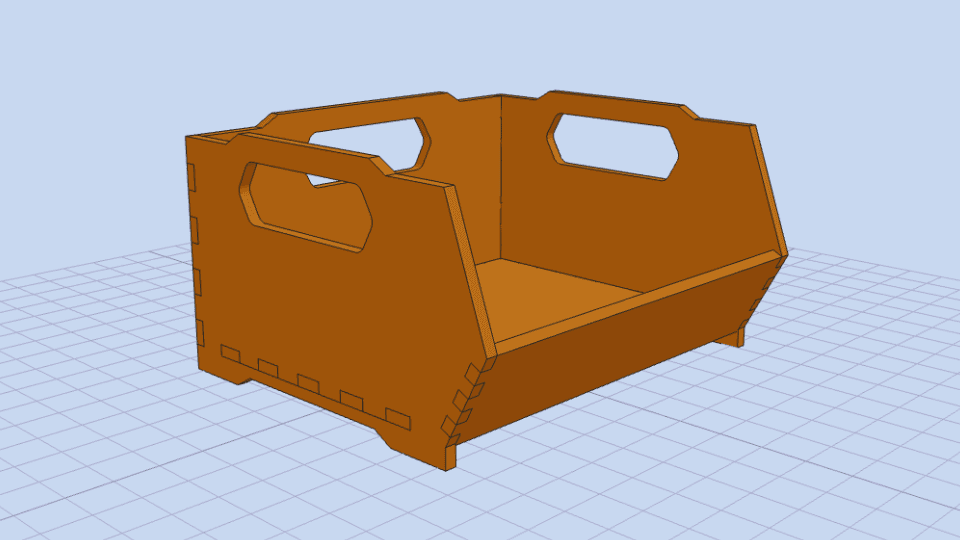 Laser cut organizer box
Sloped front opening for parts bins and desk organisers, adjustable front height and tilt.
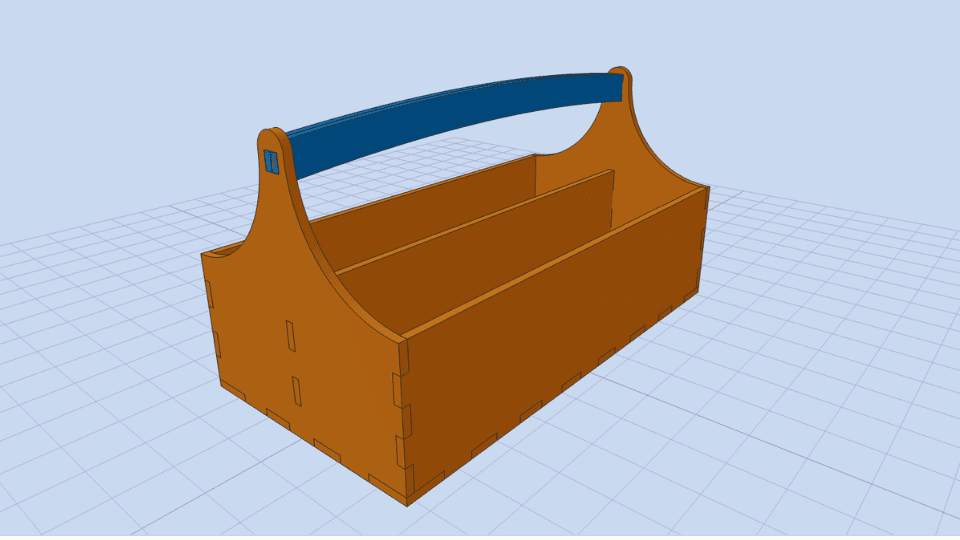 Laser cut toolbox
Arched or diagonal side panels with a continuous handle bar. Use 4–6 mm plywood for a sturdy carry.
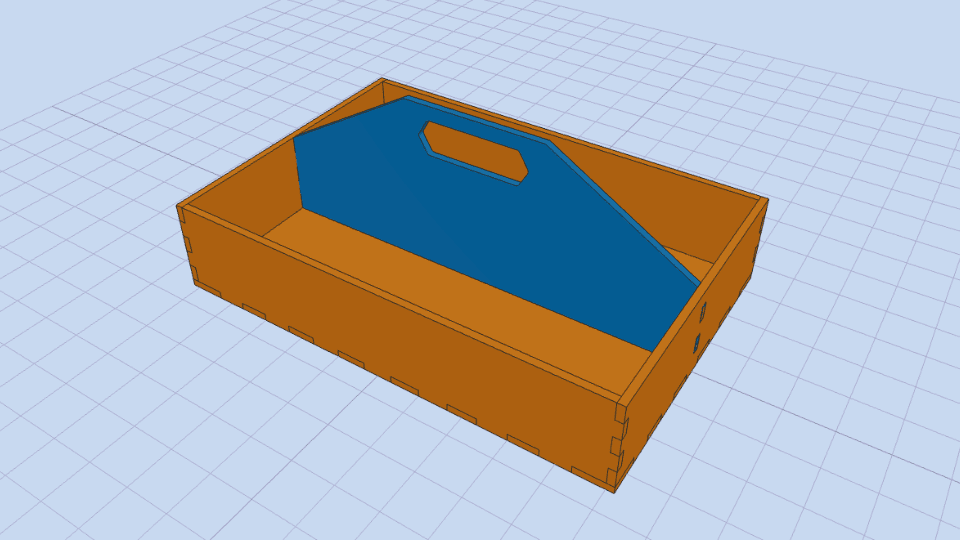 Laser cut carrier box
Centre divider with an integrated grip, optional compartments and stacking.
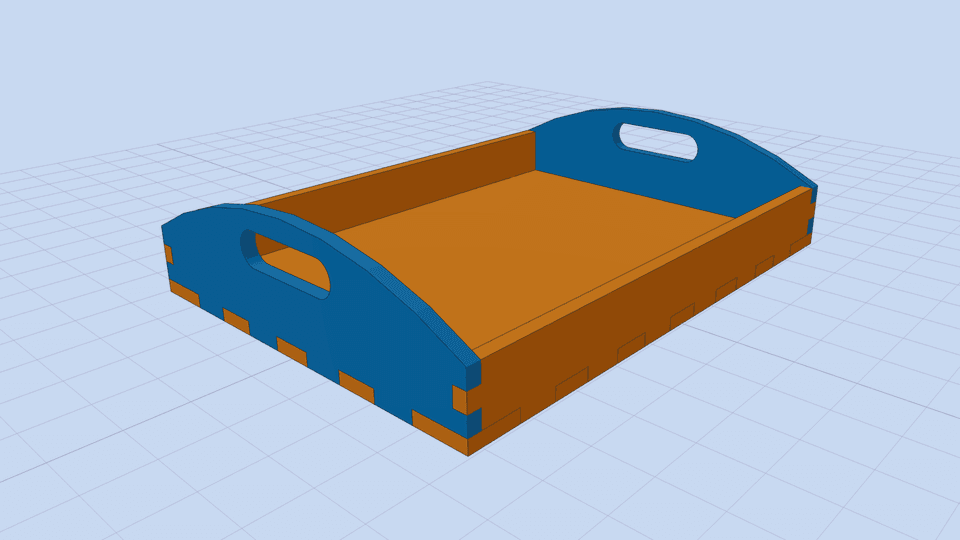 Laser cut tray
Shallow tray with handle cutouts in the end walls, from 3 mm up.
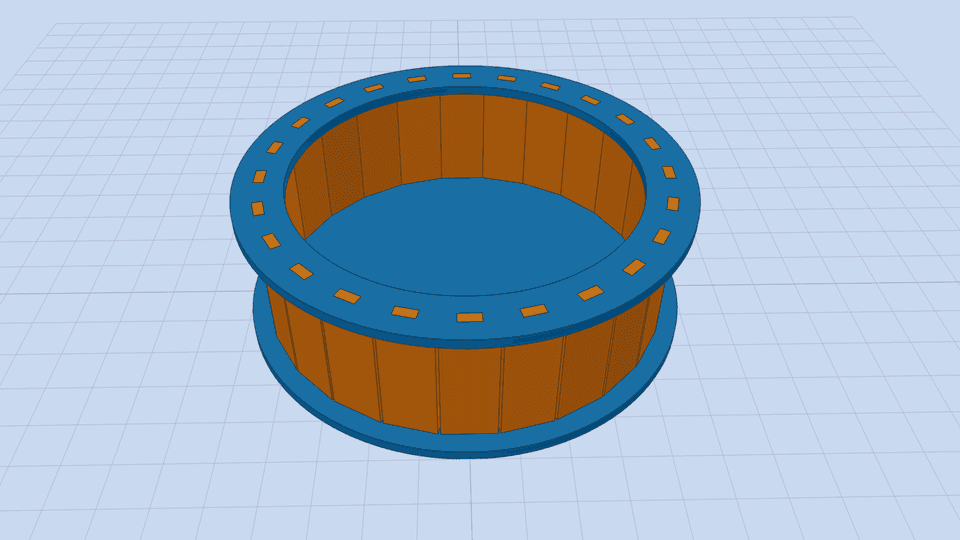 Laser cut round box
Staves between a bottom plate and a top ring, 6 to 36 staves. A laser cuts the many small tabs cleanly.
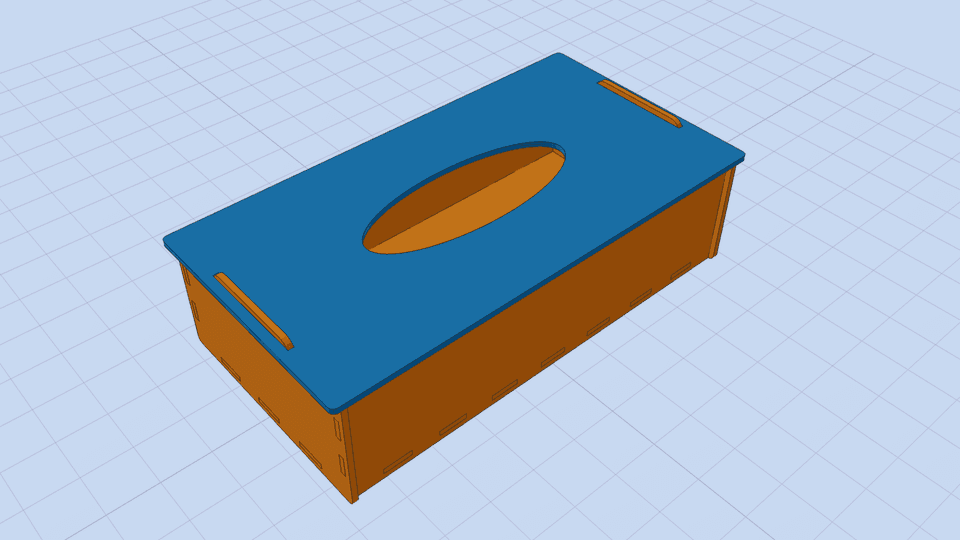 Laser cut tissue box
Lid with an elliptical opening, held by two centred tabs. Sized for a standard tissue pack.
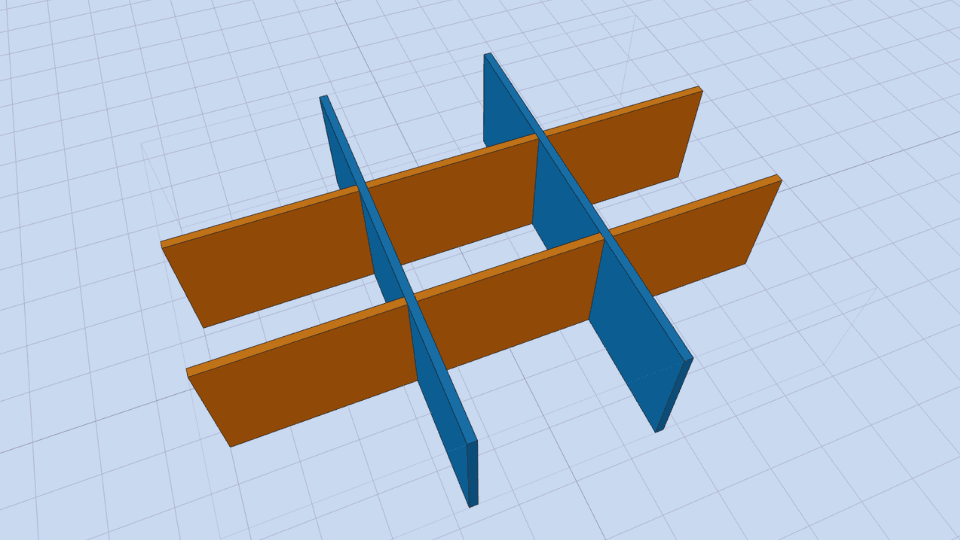 Laser cut box dividers
Cross-lap dividers for any existing box: enter the inside dimensions and cut.
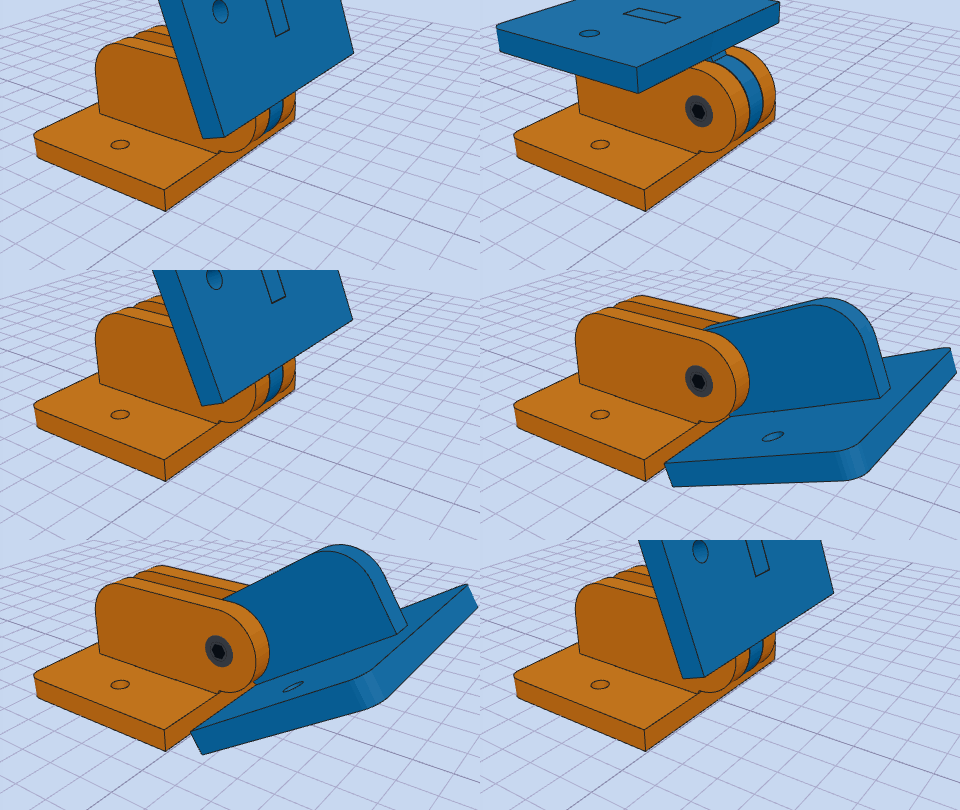 Laser cut hinge from flat parts
Mounting plates, leaves and a screw or rod as the axis — a hinge for boxes without buying hardware.
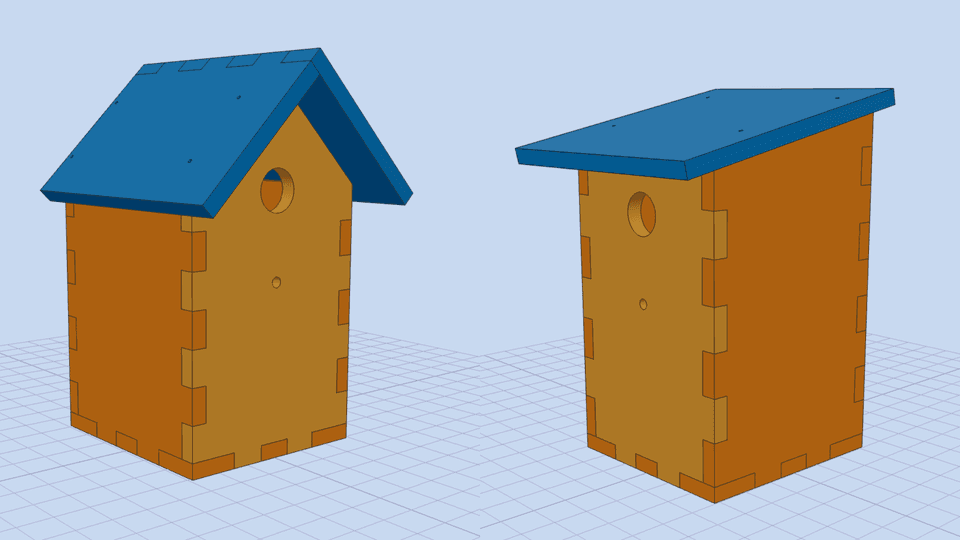 Laser cut birdhouse
Four styles including a feeder. Designed for thicker boards; for a laser use 6 mm plywood and the enclosed build.
Finger joints or box joints?
Both names describe the same joint: interlocking rectangular fingers that meet at the corner. Box joint is the usual term in North American woodworking, finger joint the term in Europe and in most laser cutting guides. Whichever you search for, the generators on this site produce exactly this joint, with the finger layout and kerf compensation calculated for you.
Curved parts: living hinges
A laser can also bend wood. For rounded lids, curved panels or flexible sleeves, cut a living hinge pattern into the sheet. Our sister site Living Hinge Generator generates straight, wave, cross, hex and maze hinge patterns as SVG, DXF and PDF; your FingerJointBox account works there as well.
Frequently asked questions
Do I need dogbones or corner relief for laser cut finger joints?
No. A laser kerf is only 0.1 to 0.2 mm wide and cuts the inside corners of finger joints sharp, so the fingers slide together without any corner relief. Corner relief is only needed for CNC routers, where the end mill leaves rounded inside corners.
Which file format should I use for my laser cutter?
Export SVG for LightBurn, xTool Creative Space, Glowforge, LaserGRBL and most browser-based laser software. Use DXF if you want to edit the parts in CAD first, and PDF to check the layout on paper. All files are exported at 1:1 scale in millimetres.
Why do my joints not fit?
Almost always the material thickness or the kerf. Measure the real sheet with calipers (nominal 3 mm plywood is often 2.7 to 3.2 mm) and enter that value. Then cut a small test corner: if the joint is too tight, raise the kerf by 0.05 mm; if it is loose, lower it.
What is the difference between finger joints and box joints?
None in the geometry. Box joint is the common woodworking term in North America, finger joint the term used in Europe and in most laser cutting guides. The generators on this site produce exactly this interlocking joint, whichever name you use.
Is the laser cut box generator free?
Yes. The free tools export SVG, DXF and PDF up to three times a day as a guest and ten times with a free account. Pro tools such as the hinged lid box cost 1 € per file, or 20 € per year for every box tool on this site.
Design for free in any of the tools above and export SVG, DXF or PDF. See all tools or compare plans.